 Podit
Podit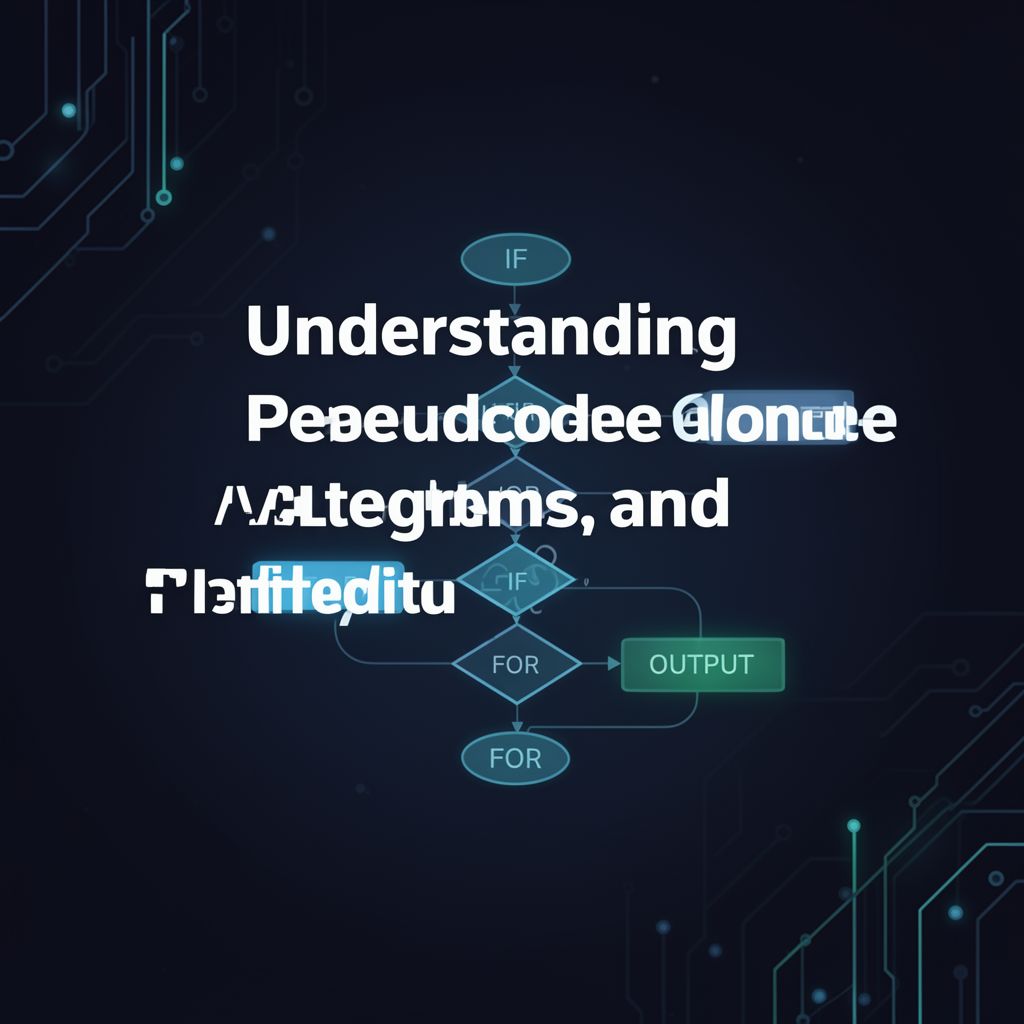
📚 Understanding Pseudocode, Algorithms, and Data Integrity
This study material is compiled from various sources, including copy-pasted text and a lecture audio transcript, to provide a comprehensive overview of pseudocode, fundamental algorithmic concepts, and data integrity principles.
1. Pseudocode Fundamentals 📝
Pseudocode is a simple, informal method for describing an algorithm. It acts as a bridge between human language and programming code, outlining the steps an algorithm takes without adhering to the strict syntax rules of any specific programming language. Its primary goal is to make algorithms easily understandable to humans.
Key Characteristics and Conventions:
- English Keywords: Uses English words that resemble high-level programming language commands (e.g.,
INPUT,OUTPUT). - Meaningful Names: Data items (variables, constants) are given descriptive names.
- No Strict Syntax: Unlike programming languages, pseudocode is not bound by rigid grammatical rules, allowing for flexibility in expression.
- Consistency is Key: To ensure clarity and understandability, consistent writing conventions are crucial.
- ✅ A non-proportional font is often used.
- ✅ All keywords (e.g.,
INPUT,OUTPUT,THEN,ELSE) are written in CAPITAL LETTERS. - ✅ Names for data items and subroutines start with a Capital Letter.
- ✅ Statements within conditional or loop structures are indented by two spaces for readability.
2. Pseudocode Statements and Structures 🛠️
2.1. Assignment Statements
Assignment statements give a value to a variable or data item.
- Operator: The
<-operator is used. - Syntax:
Variable <- Expression- The
Variableon the left receives the value of theExpressionon the right. - The
Expressioncan be a single value or multiple values combined using mathematical operators.
- The
- Mathematical Operators:
+: Add-: Subtract*: Multiply/: Divide^: Raise to the power(): Group
- Examples:
Cost <- 10(Assigns the value 10 toCost)Price <- Cost * 2(CalculatesPriceas twiceCost)Gender <- "M"Chosen <- FalseTax <- Price * 0.12
2.2. Conditional Statements
These statements allow an algorithm to perform different actions based on specific conditions.
- Purpose: To decide which action to take based on variable values.
- Types:
IF...THEN...ELSE...ENDIF:- Used for conditions that evaluate to
TRUEorFALSE. - If the condition is
TRUE, theTHENpath is followed. - If the condition is
FALSE, theELSEpath (if present) is followed. - The statement concludes with
ENDIF. - Comparison Operators:
>,<,=,>=,<=,<>(not equal). - Logical Operators:
AND,OR,NOTfor complex conditions. - Example:
IF Age < 18 THEN OUTPUT "Child" ELSE OUTPUT "Adult" ENDIF - Nested IF Statements: An
IFstatement can be placed within anotherIF'sTHENorELSEpath, requiring further indentation.
- Used for conditions that evaluate to
CASE OF...OTHERWISE...ENDCASE:- Used for choosing among several distinct values.
- The value of a variable determines which path is taken.
OTHERWISEspecifies actions for any values not explicitly listed.- The statement concludes with
ENDCASE. - Example:
CASE OF Grade
  "A" : OUTPUT "Excellent"
  "B" : OUTPUT "Good"
  "C" : OUTPUT "Average"
OTHERWISE
  OUTPUT "Improvement is needed"
ENDCASE
2.3. Iteration (Loop Structures)
Iteration involves repeating a set of actions within an algorithm.
- Purpose: To execute a block of code multiple times.
- Types:
FOR...TO...NEXTLoop:- Set Number of Repetitions: Used when the number of iterations is known beforehand.
- Efficiency: The loop counter is automatically managed, making it efficient for tasks like processing elements in a fixed-size list.
- Example:
FOR Counter <- 1 TO 10
  OUTPUT "*"
NEXT Counter
REPEAT...UNTILLoop:- Unknown Repetitions: Used when the number of iterations is not known in advance.
- Post-Condition Loop: Actions are always performed at least once, as the condition to exit the loop is tested at the end.
- Example:
Total <- 0
Mark <- 0
REPEAT
  Total <- Total + Mark
  OUTPUT "Enter value for mark, -1 to finish"
  INPUT Mark
UNTIL Mark = -1
WHILE...DO...ENDWHILELoop:- Unknown Repetitions: Similar to
REPEAT...UNTIL, but the actions are only performed while a given condition isTRUE. - Pre-Condition Loop: The condition is tested at the beginning. If the condition is initially
FALSE, the loop's actions may never execute. - Example:
Total <- 0
OUTPUT "Enter value for mark, -1 to finish"
INPUT Mark
WHILE Mark <> -1 DO
  Total <- Total + Mark
  OUTPUT "Enter value for mark, -1 to finish"
  INPUT Mark
ENDWHILE
- Unknown Repetitions: Similar to
2.4. Input and Output Statements
These statements handle the flow of data into and out of the algorithm.
INPUT: Used for data entry.- Typically followed by a variable where the entered data will be stored.
- Example:
INPUT Name
OUTPUT: Used to display information.- Can display strings, variables, or lists of values on a screen or print them.
- Example:
OUTPUT "Your name is ", Name
3. Standard Algorithm Methods 📊
Algorithms frequently employ common patterns to solve problems efficiently.
- Totalling: Keeping a running sum of values.
- Example:
Total <- Total + StudentMark[Counter]
- Example:
- Counting: Tracking the number of times an action occurs or items meet a criterion.
- Example:
PassCount <- PassCount + 1
- Example:
- Finding Maximum, Minimum, and Average:
- Maximum/Minimum: Iterating through a list to identify the highest or lowest value. Often initialized to the first item in the list or an extreme possible value.
- Average: Calculated by dividing the total sum of values by the count of values (
Average <- Total / ClassSize).
- Linear Search: Systematically inspecting each item in a list, one by one, to find a match.
- Uses a
Foundflag (Boolean variable) to indicate if the item has been located.
- Uses a
- Bubble Sort: A sorting algorithm that repeatedly steps through the list, compares adjacent elements, and swaps them if they are in the wrong order. This process is repeated until no swaps are needed, indicating the list is sorted.
4. Data Integrity: Validation and Verification ⚠️
Ensuring data is accurate and reliable is crucial for any computer system.
- Purpose: To accept only reasonable and accurate data inputs.
4.1. Validation
Validation is the automated checking performed by a program to ensure that data is reasonable and acceptable before it is processed or stored. If data fails validation, an error message should be displayed, and the user prompted to re-enter.
- Types of Validation Checks:
- Range Check: Ensures a value falls within specified upper and lower bounds (e.g., marks between 0 and 100).
- Length Check: Verifies that data has an exact or reasonable number of characters (e.g., password length of 8 characters).
- Type Check: Confirms that the entered data is of the expected data type (e.g., an integer for "number of brothers").
- Presence Check: Ensures that data has been entered and not left blank (e.g., a required email address).
- Format Check: Checks if characters conform to a predefined pattern (e.g., a product code like
CUB9999). - Check Digit: A final digit calculated from other digits in a code, used to detect data entry errors like mistyping or transposition (e.g., ISBNs, barcodes).
4.2. Verification
Verification is the process of checking that data has been accurately copied from one source to another (e.g., from a paper form to a computer, or between system components).
- Methods for Input Data:
- Double Entry: Data is entered twice, often by different operators. The system compares both entries and flags discrepancies.
- Screen/Visual Check: A user manually reviews the data displayed on the screen against the original source document or their own knowledge to confirm accuracy.
5. Test Data 💡
Test data is essential for evaluating whether a solution (algorithm or program) functions as intended.
- Purpose: To determine if a solution works correctly and robustly.
- Types of Test Data:
- Normal Data:
- Description: Typical, expected inputs that the program should handle correctly.
- Use: To confirm that the actual results produced by the solution match the expected results.
- Example: For an algorithm calculating average marks (0-100),
50, 50, 50, 50, 50, 50, 50, 50, 50, 50with an expected result of50.
- Abnormal (Erroneous) Data:
- Description: Inputs that are invalid, unexpected, or outside the normal operating range.
- Use: To prove that the solution correctly rejects unsuitable data and handles errors gracefully, demonstrating its robustness.
- Example: For marks (0-100), inputs like
-5or105would be abnormal data.
- Normal Data: